Leadpipe
Send your WordPress form entries to Salesforce as leads - set up by pasting the Web-to-Lead form Salesforce gives you, with a log and tries again so no lead is lost.
Leadpipe is for small businesses with Salesforce and a WordPress site.
Inside Leadpipe
Set up by pasting
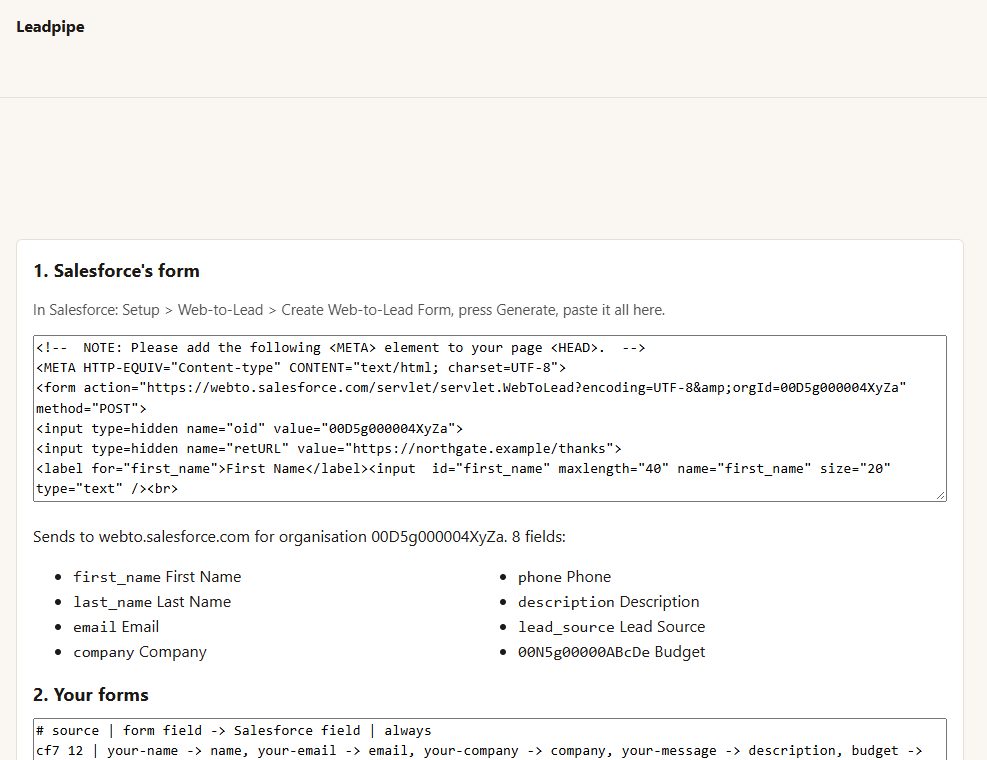
in Salesforce, generate a Web-to-Lead form and paste it in. Leadpipe reads the address, your organisation ID and every field - your custom fields too - from it. Nothing is guessed.
Your forms, mapped
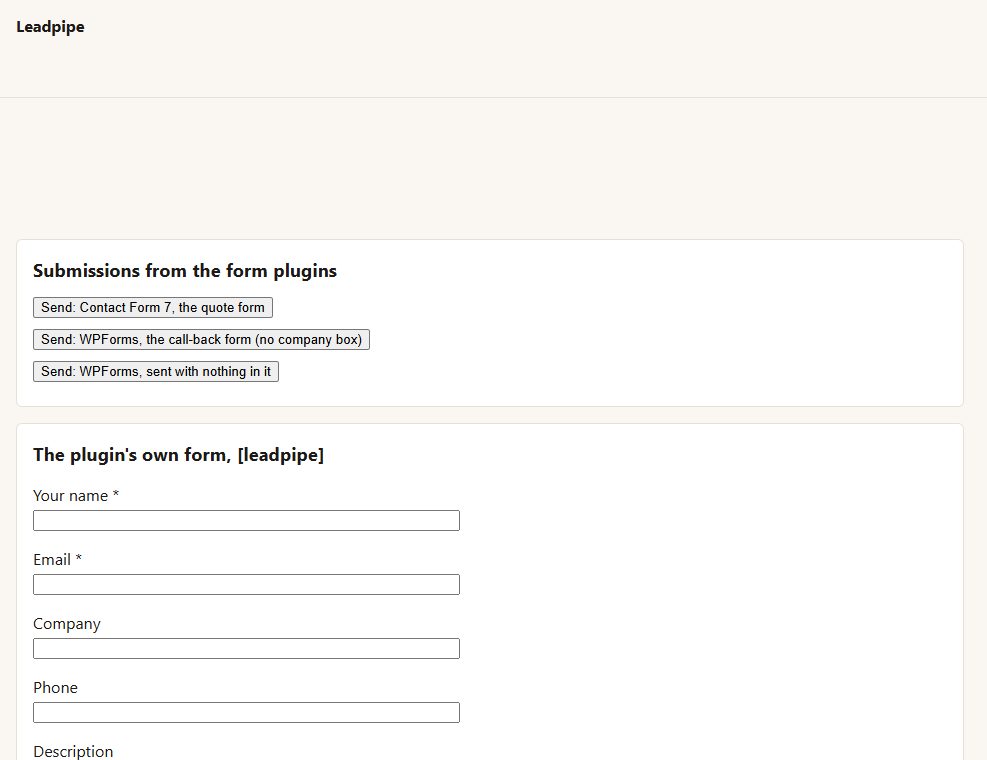
Contact Form 7, WPForms and Gravity Forms, or Leadpipe's own [leadpipe] form. Map each form's fields onto Salesforce's, split a "full name" box into first and last names, and add values every lead carries (lead_source=Web).
Checked as you type it
a mapping to a field Salesforce's form does not have is named and left out.
Never lost
every lead is written down first and sent in the background, so visitors never wait for Salesforce. If Salesforce does not answer, Leadpipe tries again after 5 minutes, 30 minutes, 2 hours and 12 hours, then shows it as not sent with a Send again button.
Sensible gaps
no company? It is sent with a stand-in you choose. No last name? The start of the email address. Neither name nor email? It is held back and says why.
A log of every lead and where it stands, kept only as many days as you choose.
Before you start
Asked first
Do I need a Salesforce API key?
No. Web-to-Lead is Salesforce's own public form address - the same one the HTML it generates sends to.
Is there a daily limit?
Salesforce takes a limited number of web-to-lead leads a day (500 unless your plan says otherwise). The log shows how many went today.
More for creators & publishers
Changeover
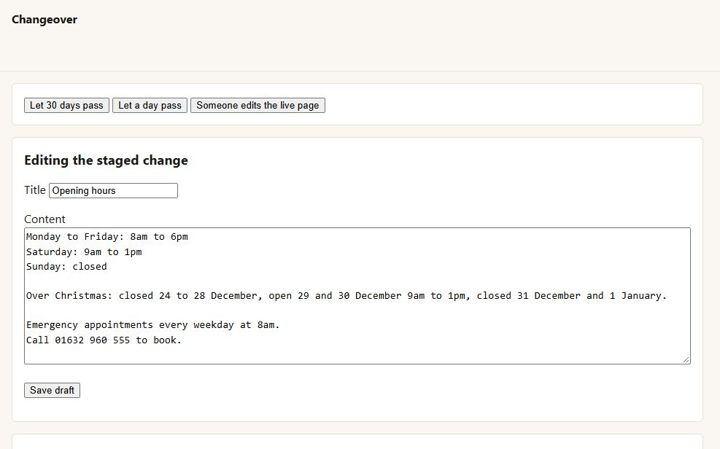
Stage a change to a live page in the normal editor, preview and compare it, and swap it in on a date. The page keeps its address, comments and history.
Encore
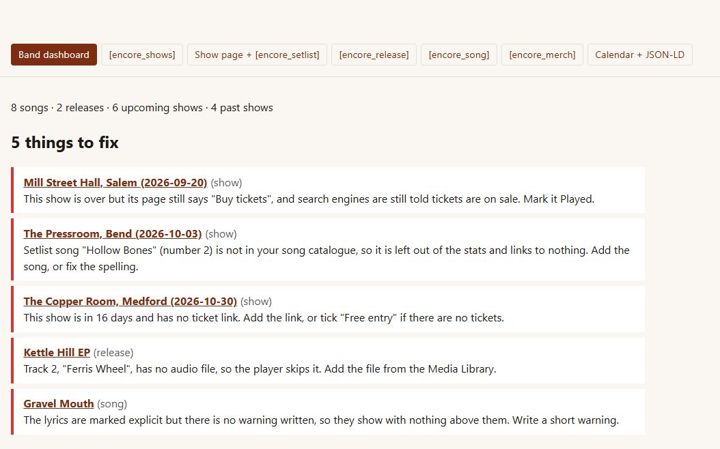
Independent musicians · releases, lyrics, shows, setlists, merch
Endpaper
A page for every book with a buy button for every format and shop, each series in reading order, and pre-orders - for independent authors.