Ordinal
WooCommerce order numbers: prefixed, by year, no gaps from checkout drafts
Ordinal is for WooCommerce shops that need tidy, sequential order numbers.
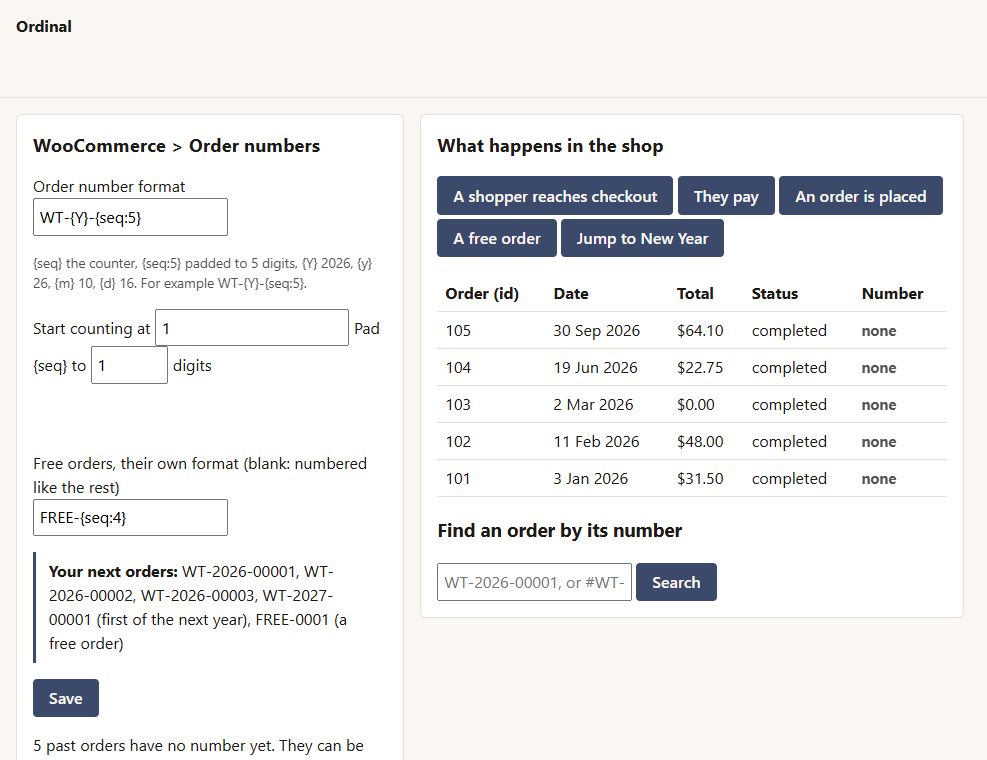
Inside Ordinal
Your format
WT-{Y}-{seq:5} gives WT-2026-00042. Add the day, month or year, a prefix, a suffix, padding and a starting number.
Start again each year or month if you like.
No gaps
numbers are given when an order becomes a real order - never to the block checkout's draft orders.
Never twice
the counter is taken in one database step, and a number already used is skipped.
Free orders can have their own run.
Found everywhere
the order search (classic and HPOS tables) and the order-tracking form find the new number - with or without the zeros.
Past orders can be numbered oldest first, so numbers always run in date order.
Before you start
Asked first
Why can't I number past orders after new ones?
Because the numbers would no longer run in date order. Past orders keep their WooCommerce numbers, which the search still finds.
Does it need MySQL?
MySQL or MariaDB, as WordPress normally uses.
More for money & tax
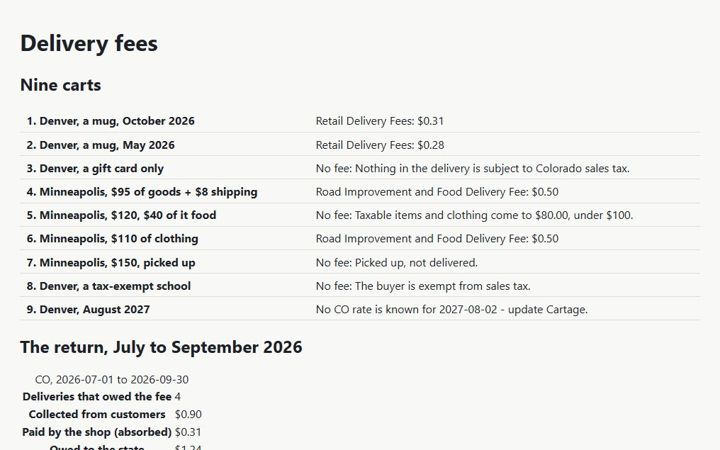
Cartage
The Colorado and Minnesota retail delivery fees on WooCommerce orders - the right amount, the right name, the right orders - and the totals for the return.
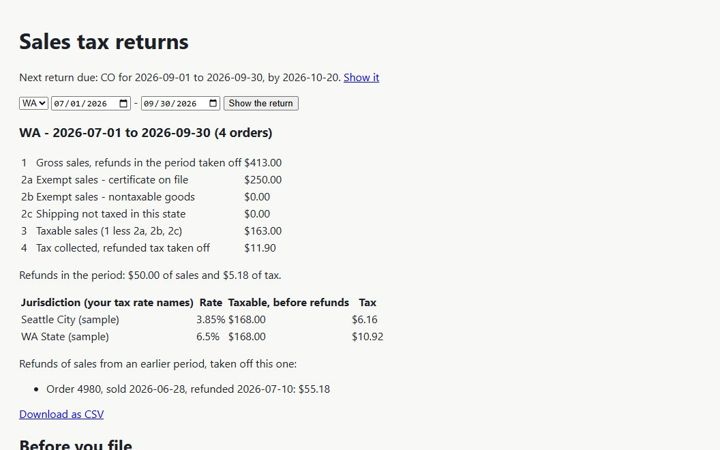
Collector
The lines your state sales-tax return asks for, from your WooCommerce orders - for every state you file in.
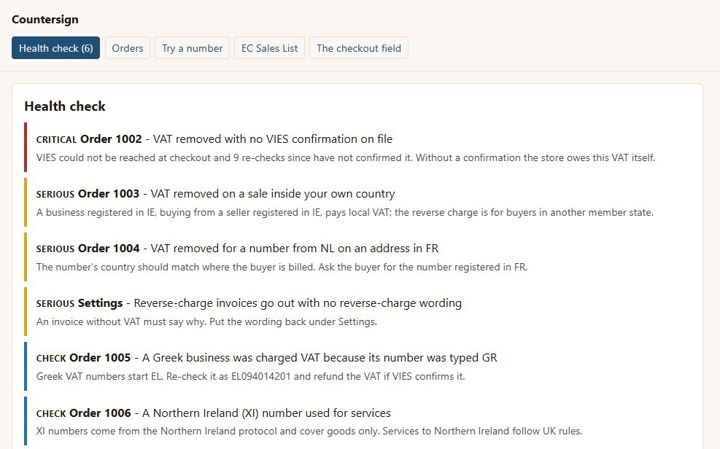
Countersign
EU VAT numbers checked with VIES, the reverse charge applied only when it should be, the proof kept on the order - and no order ever waits on VIES.