Tariff
Table rate shipping you can paste from a spreadsheet, with a tester that shows which row a cart matched - and where your table has gaps.
Tariff is for WooCommerce shops that ship by weight, item count, subtotal or shipping class.
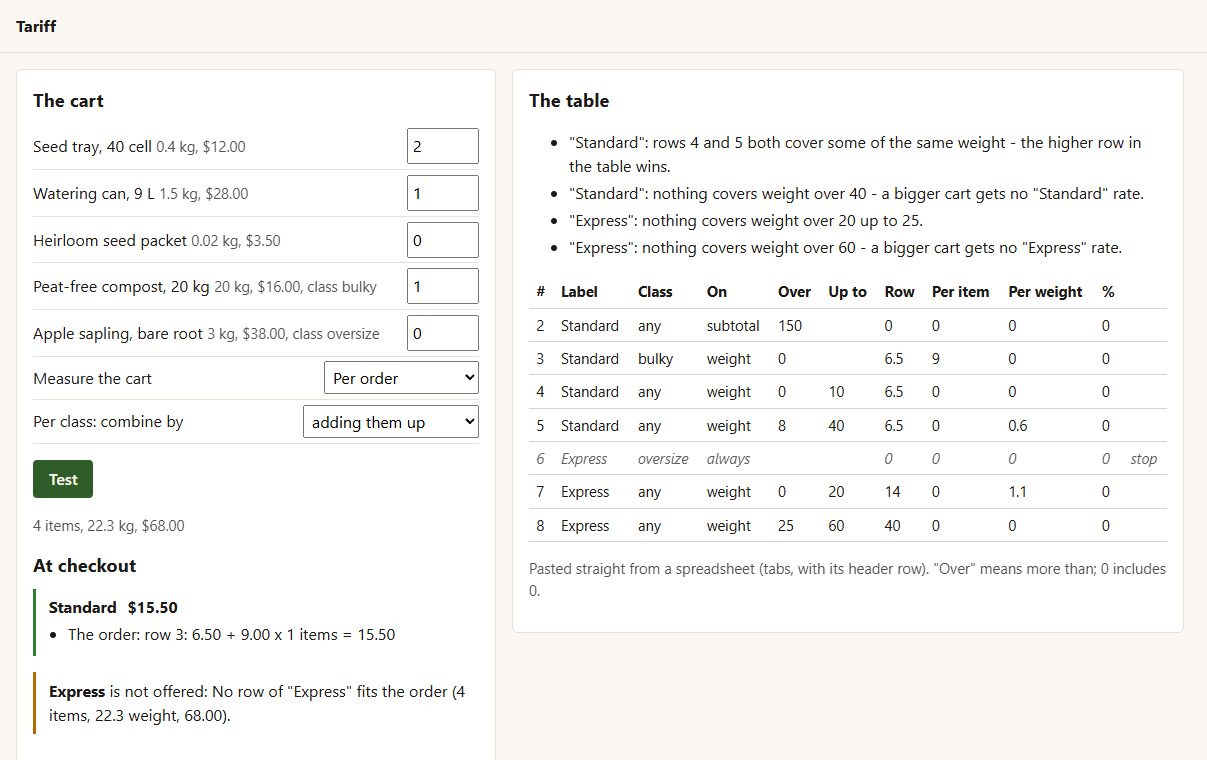
Inside Tariff
Paste your table
straight from a spreadsheet - label, class, weight/items/subtotal, a range, and a row cost, a cost per item, per weight and a percentage.
Four ways to measure
per order, per item, per line, or per shipping class (added up or the dearest).
Easy to read
within a rate, the first row that matches wins - top to bottom, as you read it.
Never free by accident
a cart no row covers simply does not get that rate.
Stop rows
no Express for oversized items, say.
The Rate tester
type a cart and see each rate, the row behind it and the sum - and why a rate is missing.
The table check
gaps ("nothing covers 20 to 25 kg") and overlaps are listed before a customer finds them.
Before you start
Asked first
Can I bring my table from the official extension?
Copy your rows into a spreadsheet in Tariff's column order and paste them in.
What does "from 5 to 10" mean?
More than 5, up to and including 10. A range starting at 0 includes 0.
More for shipping & orders
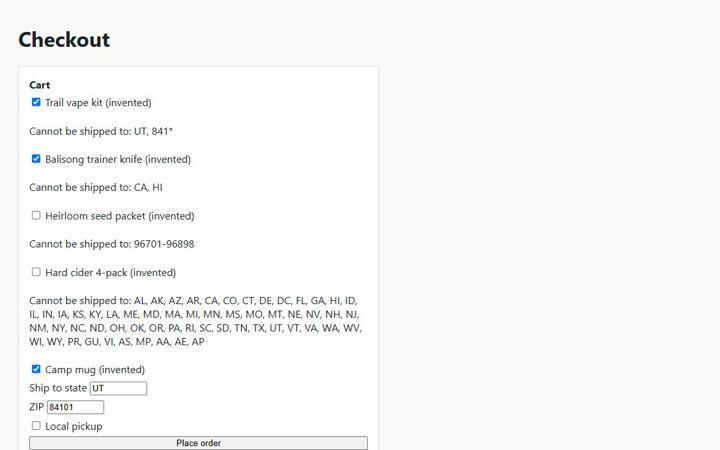
Embargo
Stop products shipping to US states and ZIP codes they cannot go to - your rules, enforced at checkout with a clear reason.
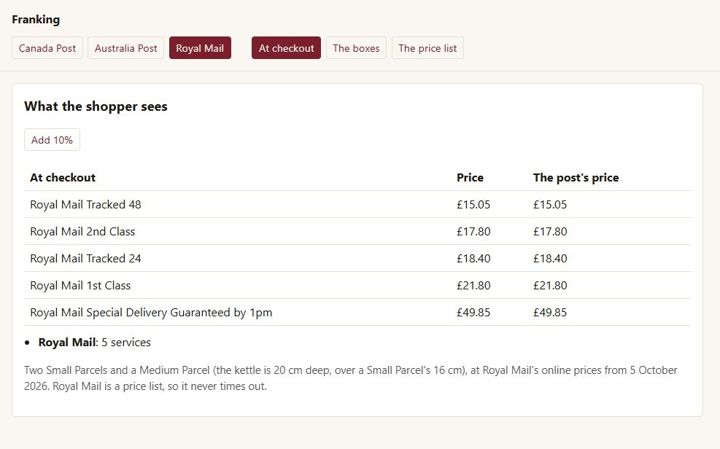
Franking
WooCommerce Canada Post, Australia Post and Royal Mail rates in one plugin
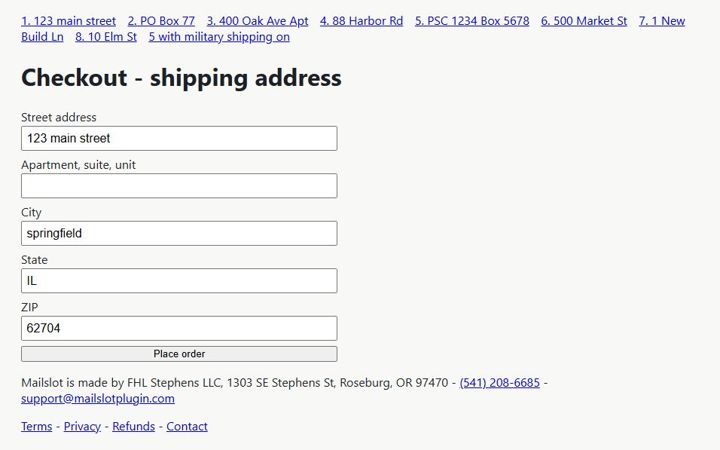
Mailslot
Catch bad US shipping addresses before the parcel goes out: local checks always, USPS checks with your own free USPS credentials.