Throughline
A portfolio that tells the story of the work: brief, constraints, process, decisions and outcome on one page. The grid is only the index.
Most portfolio plugins are image grids. Clients who hire designers, makers and architects want to know how you think: what was asked, what got in the way, what you tried, what you chose and why, and how it turned out.
Throughline gives every project a guided story and turns it into a narrative page.
Inside Throughline
A guided structure
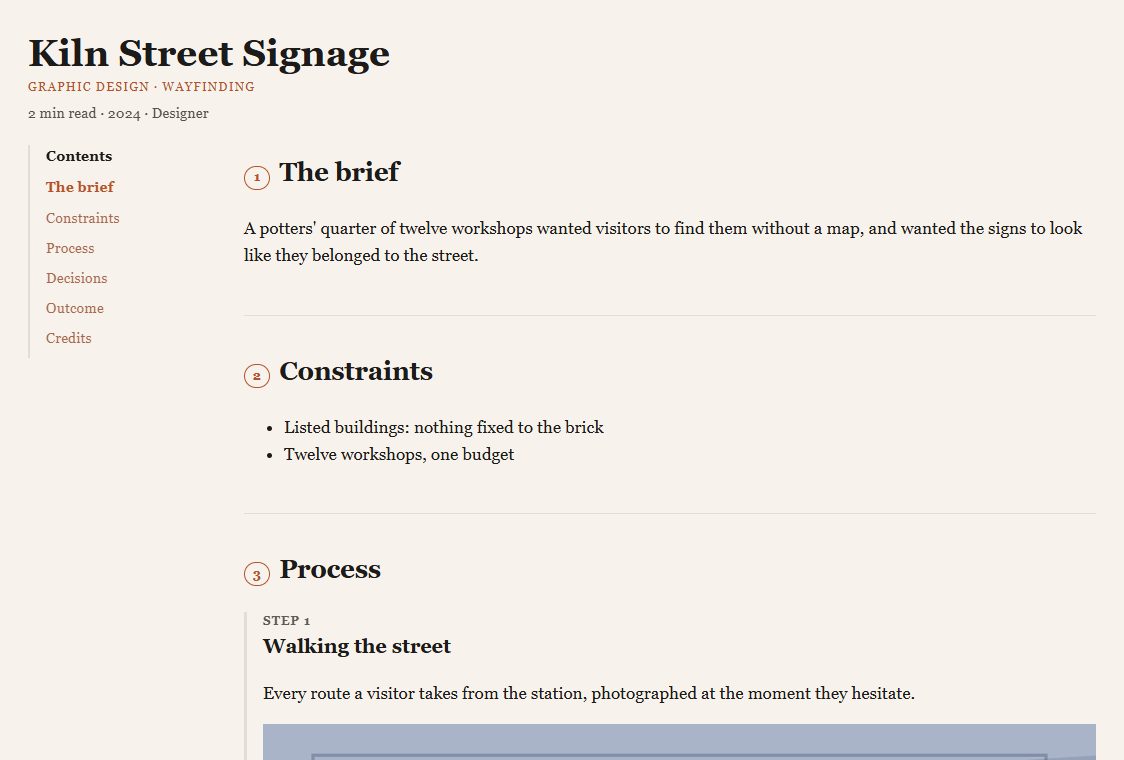
The brief, constraints, process steps (each with images and captions), a decision log (the options considered, what was chosen and why), before-and-after pairs, the outcome with measured results, and the credits: client, role, year, team and materials.
A page that reads as a story
Numbered chapters in reading order with a sticky contents rail, captions under every image, and a before-and-after slider that works with a mouse, a finger or the keyboard (arrow keys, Page Up/Down, Home, End).
Story completeness
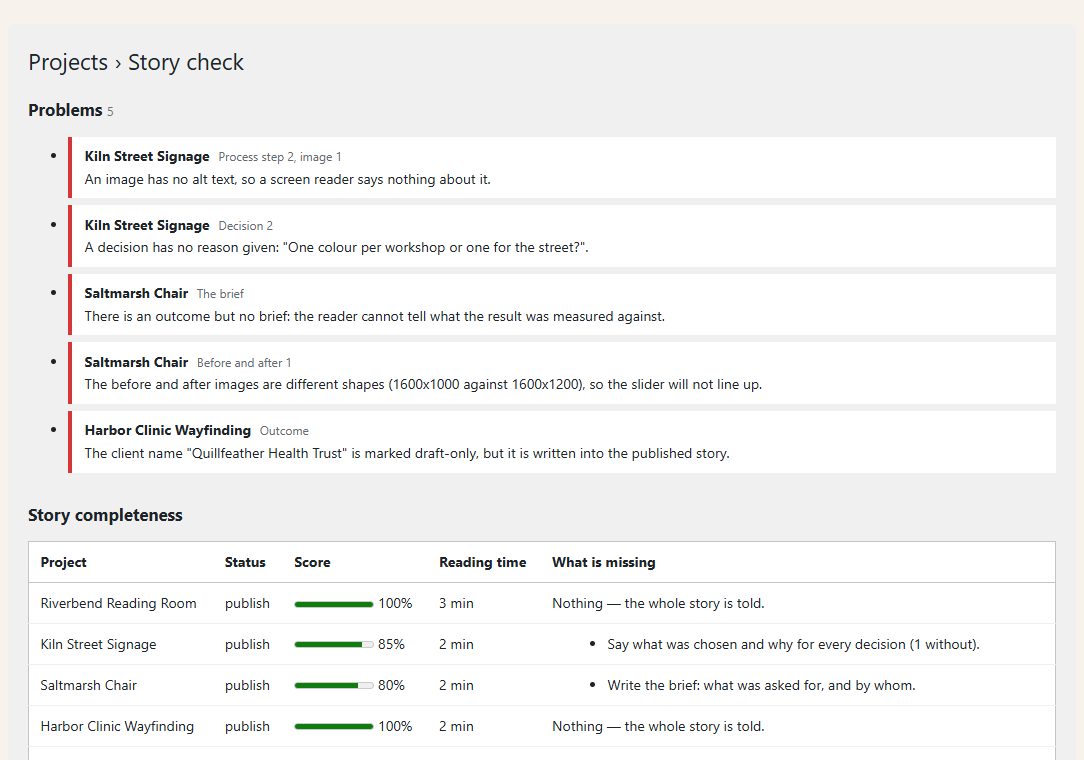
Every project gets a score out of 100 and a plain list of what is missing.
Story check
One screen lists the problems that make a portfolio read badly: an image with no alt text, an outcome with no brief, a decision with no reason, a before-and-after pair of different shapes, and a client name you marked "drafts only" that is written into a published story. A project under NDA with its outcome withheld is not counted as missing an outcome.
Reading time , **next and previous** in the order you choose, and **related projects** by shared discipline and material.
schema.org CreativeWork JSON-LD on every project page. A drafts-only client is never put in it.
An index grouped by discipline
[throughline_index] anywhere, or [throughline_index discipline="Architecture"]. One project anywhere with [throughline_project id="123"].
Before you start
Asked first
How do I add images to a step?
Upload them to the Media Library, open one, and copy its ID from the address bar (post=123). In the step's Images box write one per line: 123 | Your caption. The caption is optional; the Media Library caption is used when you leave it out.
Where does alt text come from?
From the image's Alternative Text field in the Media Library. Story check lists any image in a project that has none.
A project is under NDA. Will it be marked incomplete?
No. Tick "Outcome withheld" and write the note to show instead. The outcome then counts as told, and Story check does not flag it.
Can I keep a client's name off the public page?
Yes. Set "Client name is" to "drafts only". The name shows in previews and is hidden once published. If the same name is also typed into the story text, Story check tells you where.
Does it work with the block editor?
Yes. The story box sits under the editor; Disciplines and Materials are in the sidebar. Shortcodes work in a Shortcode block.
More for creators & publishers
Changeover
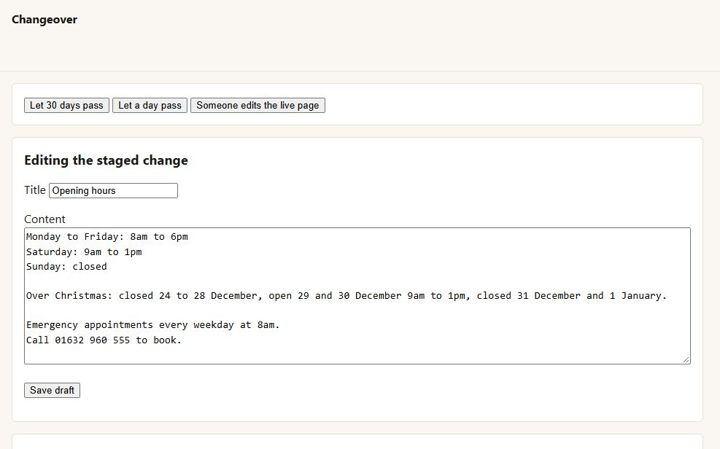
Stage a change to a live page in the normal editor, preview and compare it, and swap it in on a date. The page keeps its address, comments and history.
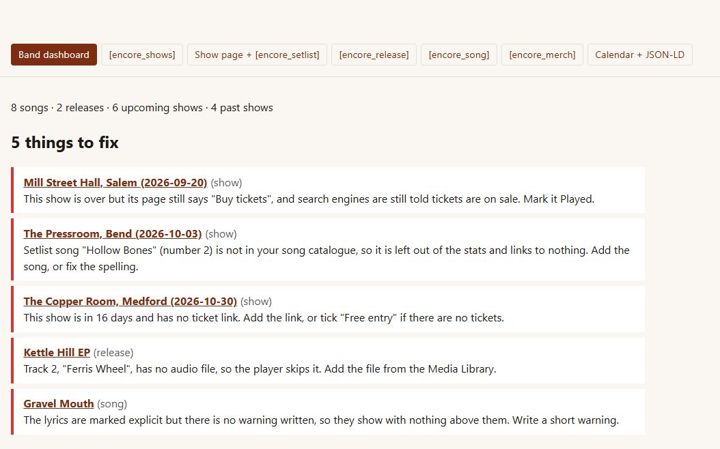
Encore
Independent musicians · releases, lyrics, shows, setlists, merch
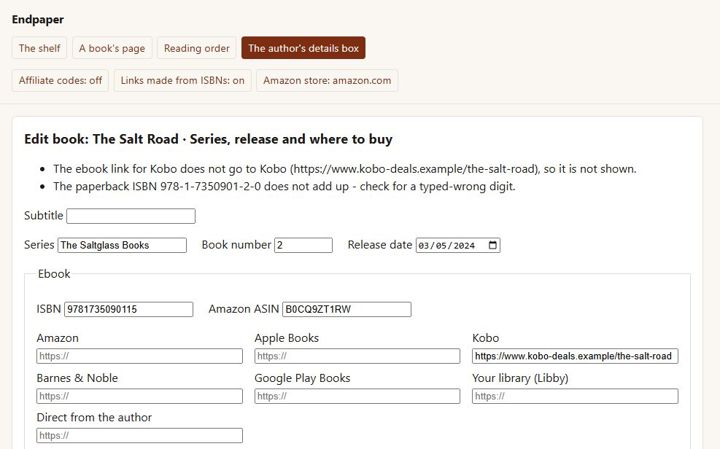
Endpaper
A page for every book with a buy button for every format and shop, each series in reading order, and pre-orders - for independent authors.