Waypost
Your own order steps - "Awaiting proof", "In production" - with one-click next steps, an email per step, and orders that move on by themselves.
Waypost is for shops whose orders go through steps of their own: print, made-to-order, engraving, repairs.
Inside Waypost
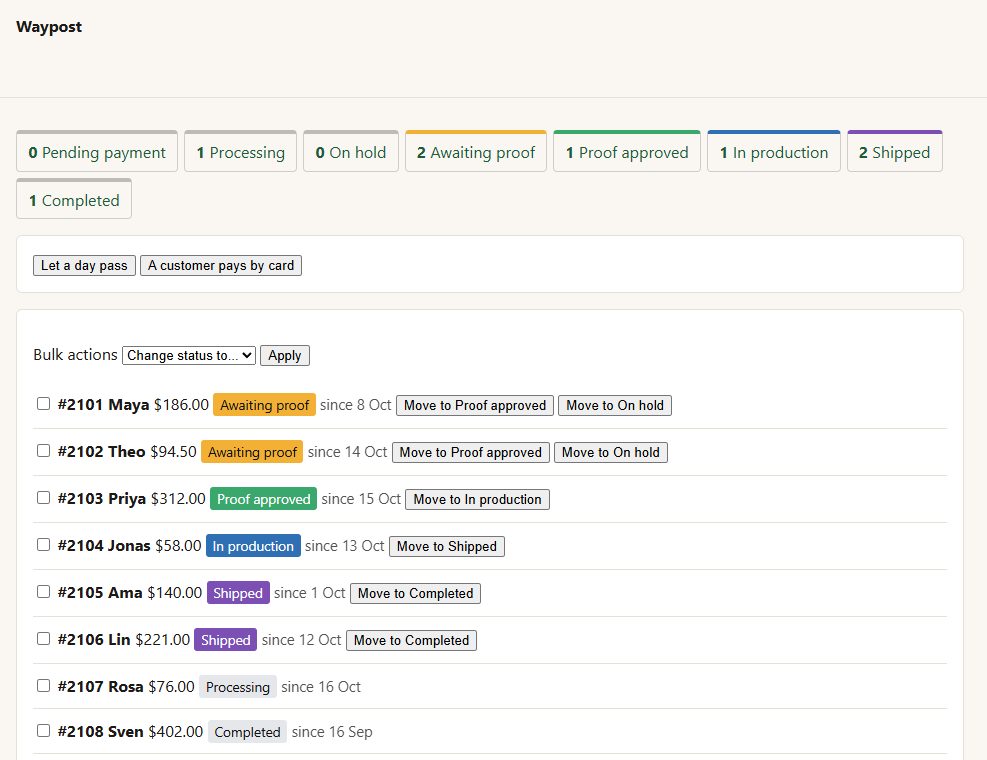
Your own steps, each with a colour, slotted between WooCommerce's own. WooCommerce's statuses are never renamed or replaced.
Next steps as buttons
choose which steps follow each one, and they appear as one-click buttons on every order row.
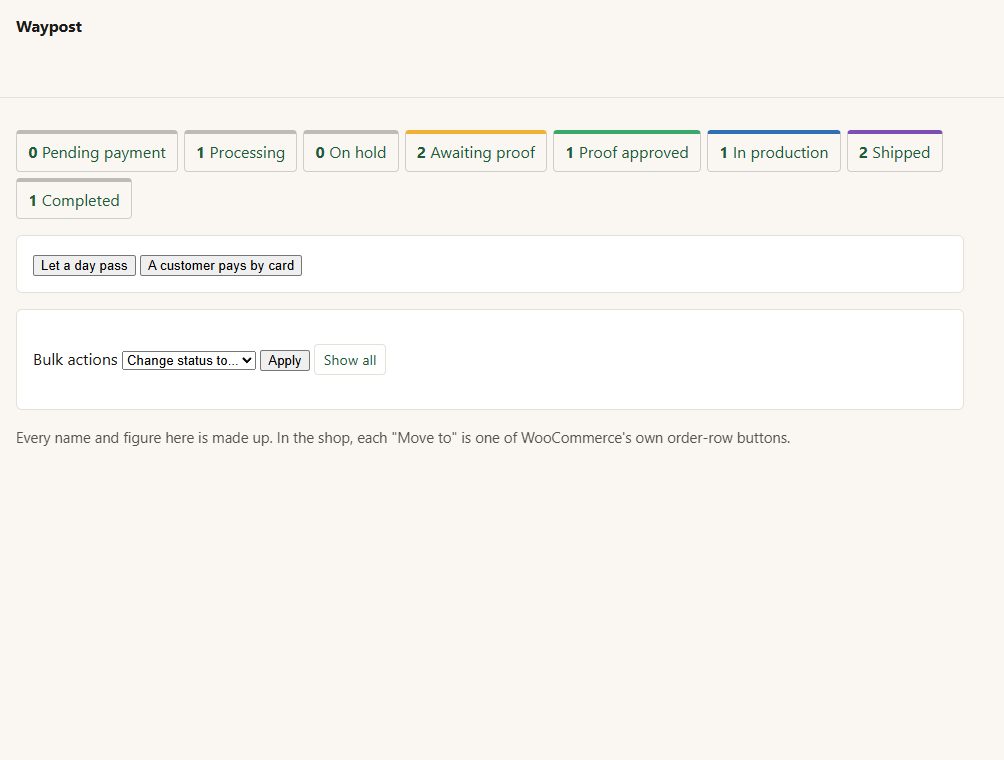
Bulk change any selection of orders to any step.
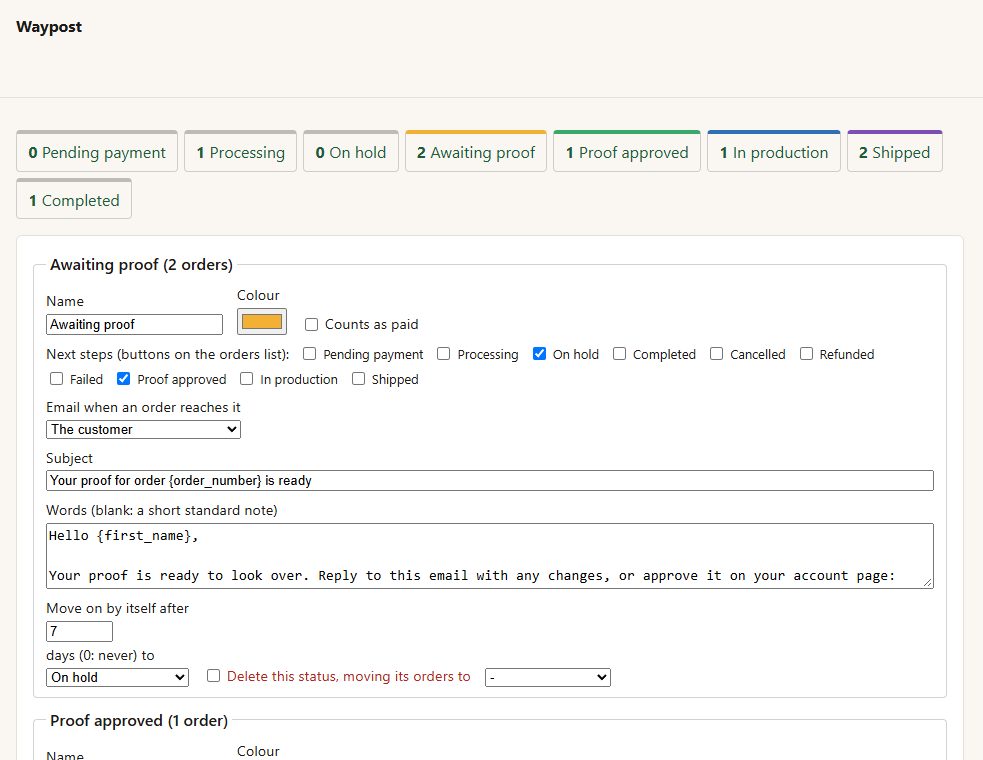
An email per step, to the customer, the shop or both, with your own subject and words ({order_number}, {first_name}, {status}, {total}, {site}, {link}).
Counts as paid
a step can count as paid for reports and downloads.
Moves on by itself
"after 14 days at Shipped, Completed" - counted from when the order reached the step.
After payment
card payments can go straight to "Awaiting proof" instead of Processing.
Nothing lost
a step with orders in it is never deleted out from under them - they are moved to a step you choose first. Deleting the plugin puts any such orders back to Processing.
Before you start
Asked first
Do the buttons work like WooCommerce's own?
They are WooCommerce's own: the same status change, with its notes, stock handling and emails.
What happens to orders if I remove the plugin?
Deactivating hides the steps; their orders keep their step and come back when it is turned on. Deleting the plugin moves every order in one of your steps to Processing first.
More for shipping & orders
Embargo
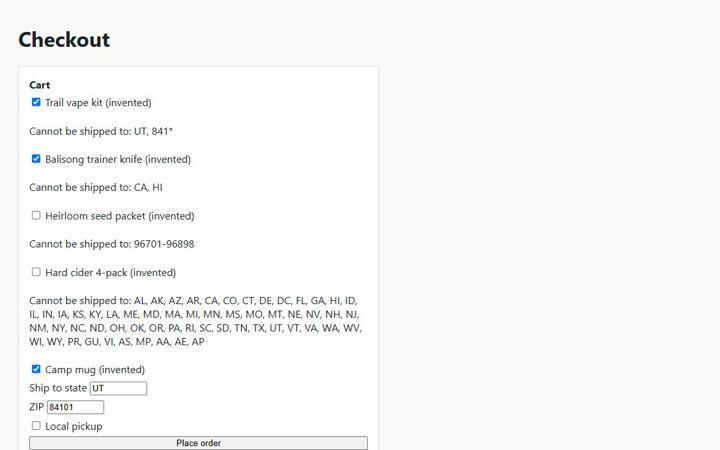
Stop products shipping to US states and ZIP codes they cannot go to - your rules, enforced at checkout with a clear reason.
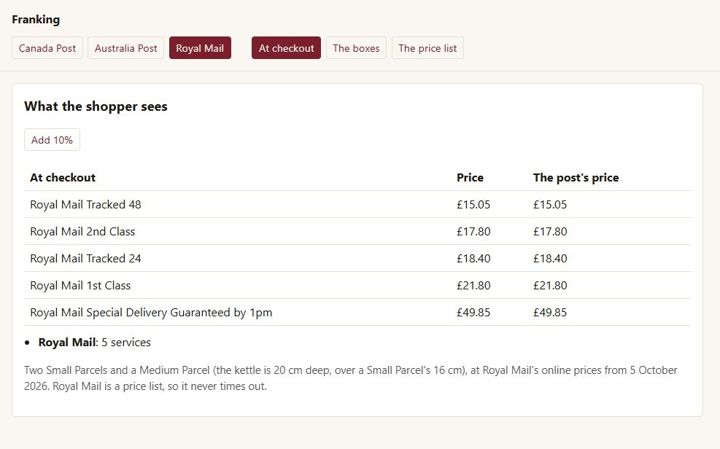
Franking
WooCommerce Canada Post, Australia Post and Royal Mail rates in one plugin
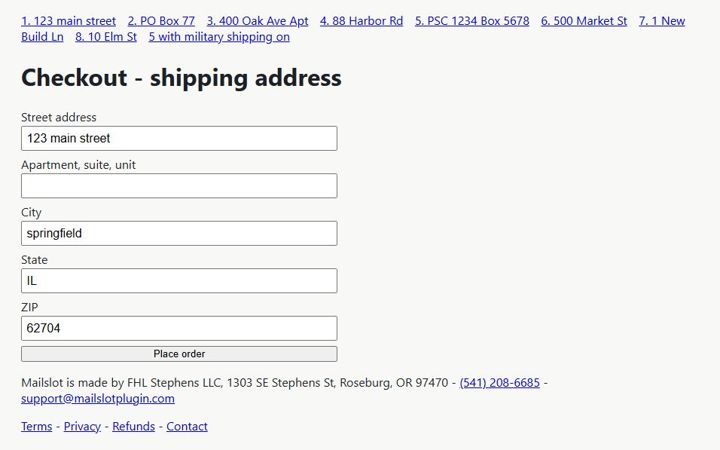
Mailslot
Catch bad US shipping addresses before the parcel goes out: local checks always, USPS checks with your own free USPS credentials.