Sundial
Simple bookings and rentals for WooCommerce: time slots, day rentals, buffers, closed dates, and your Airbnb or Booking.com calendar read every hour so nothing is double-booked.
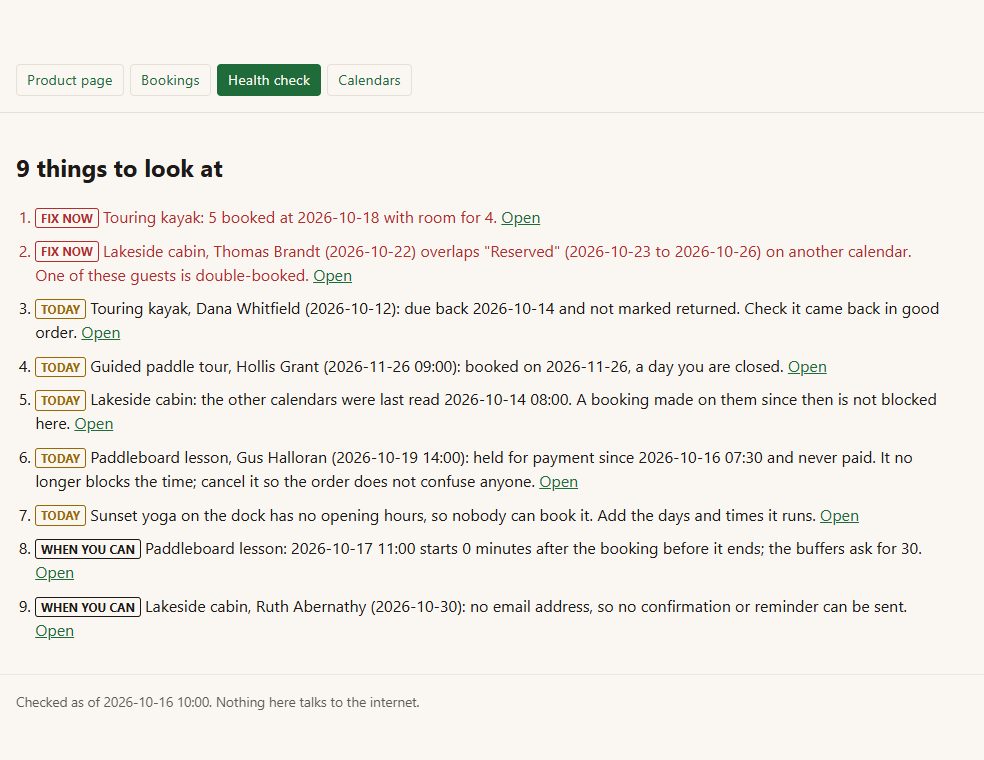
Sundial turns a WooCommerce product into something people book: a tour at 9:00, a lesson on Tuesday, a kayak for the weekend, a cabin for a week. It does the few things a small shop needs and says plainly when something is wrong.
= The health check =
Inside Sundial
Time slots - opening hours per day of the week, a slot length, how many places each slot has, and minutes kept free before and after each booking.
Day rentals - how many you have, the shortest and longest rental, a weekly rate (and never more for six days than for a week), and days kept free after a return for cleaning or checks.
Closed dates - holidays and days off, for both kinds.
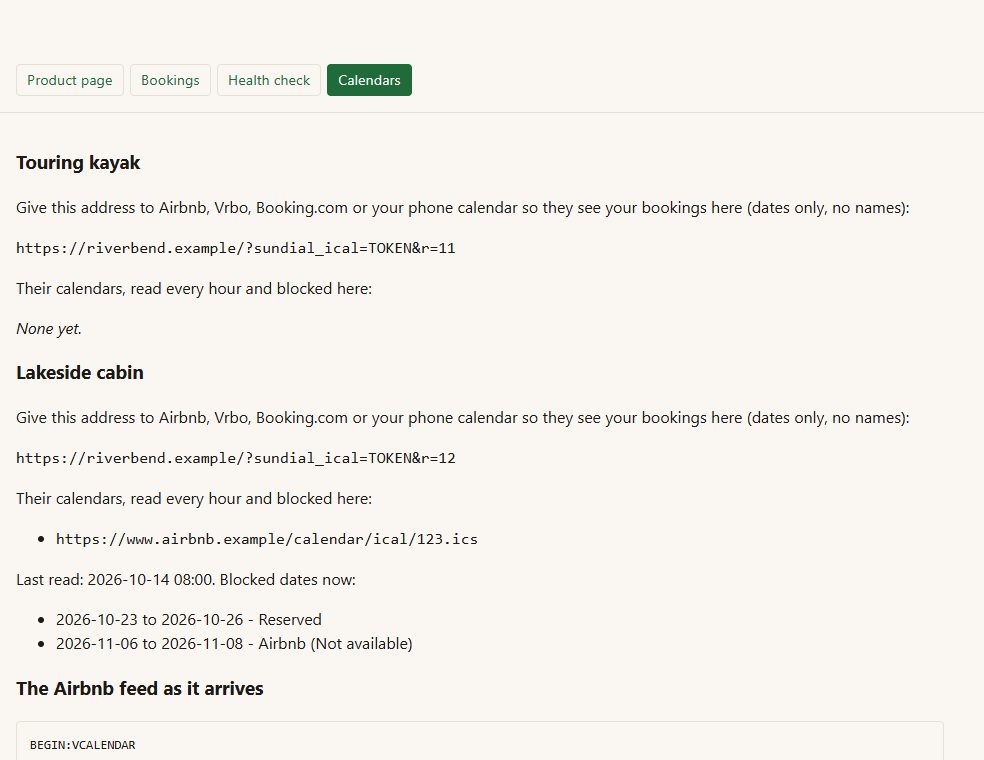
Other calendars, both ways - list the cabin on Airbnb, Vrbo or Booking.com too? Paste each site's iCal address on the product and Sundial reads it every hour and blocks those dates. Give each site Sundial's own address and they see your bookings (dates only, no customer names).
Holds while paying - a booking in an unpaid order holds its time for 60 minutes, then lets go.
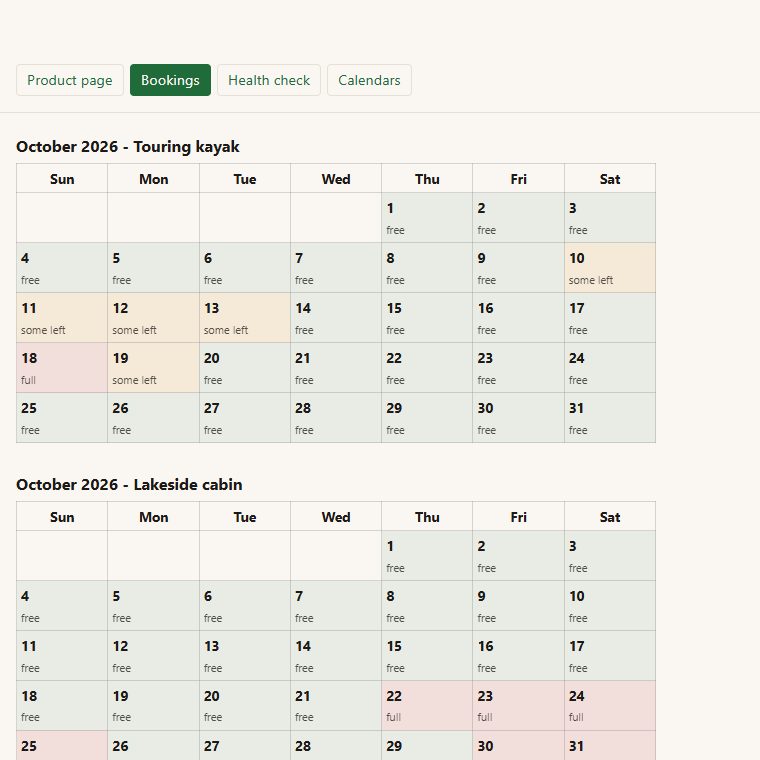
Bookings screen - a month at a glance for every product, the list, Mark returned and Cancel, and a CSV of every booking.
Before you start
Asked first
Does it take payment?
WooCommerce does, exactly as it does for any product. Sundial sets the price of the cart line from the booking and holds the time while the order is paid.
What happens to bookings if I delete Sundial?
They stay in your database. They are tied to real orders.
Does it work without JavaScript?
Yes. The day is picked with a plain link and the time with a plain radio button.
More for the storefront
Addendum
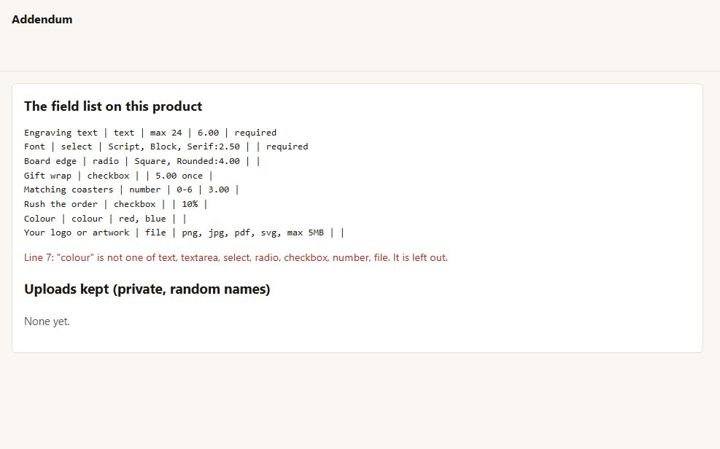
Extra product fields with prices, and a customer artwork upload - checked by what the file really is, kept private.
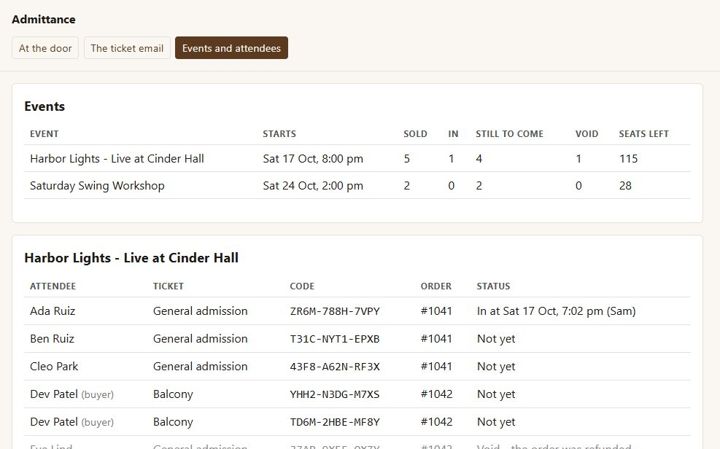
Admittance
Sell event tickets as WooCommerce products, email a named ticket with a QR code per seat, and check people in at the door from a phone.
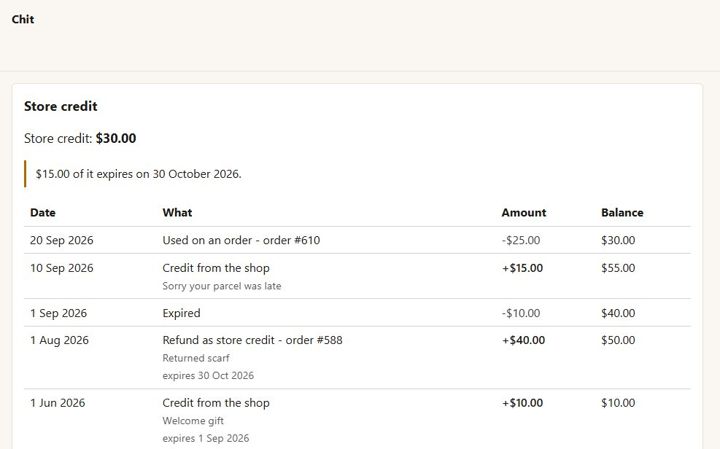
Chit
One store-credit balance per customer - no codes. Refund as credit, give credit with a reason, spend it at checkout.