Tabstop
WooCommerce product tabs on one screen, words per product, category or shop
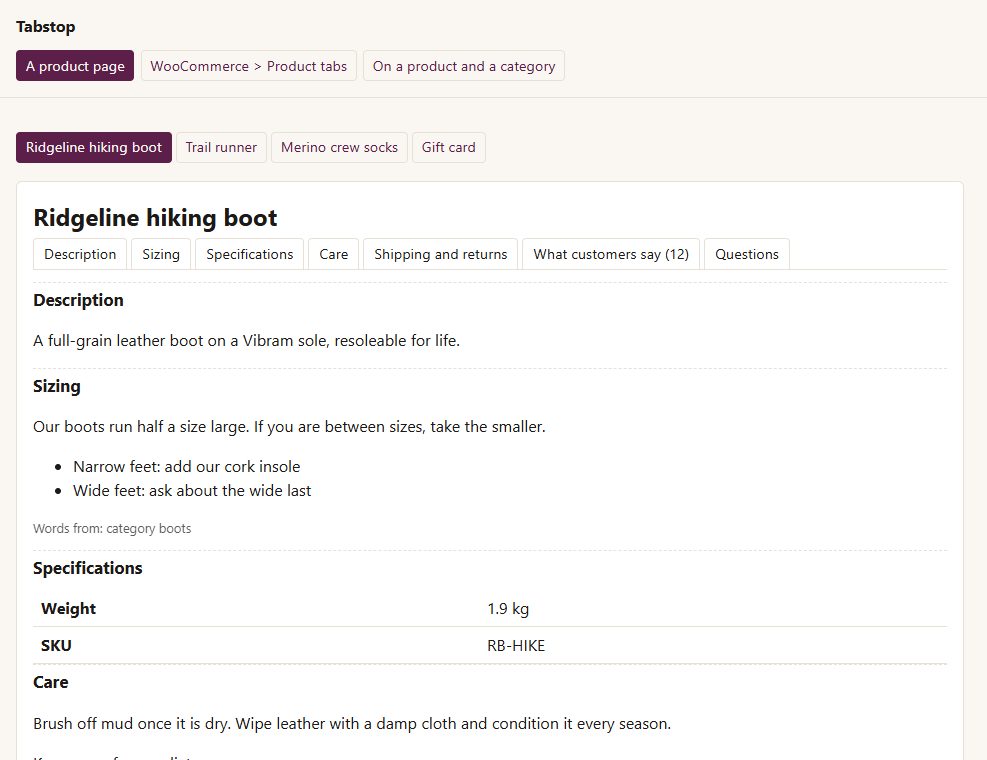
Tabstop is for shops with sizing guides, care instructions, spec sheets and shipping notes.
Inside Tabstop
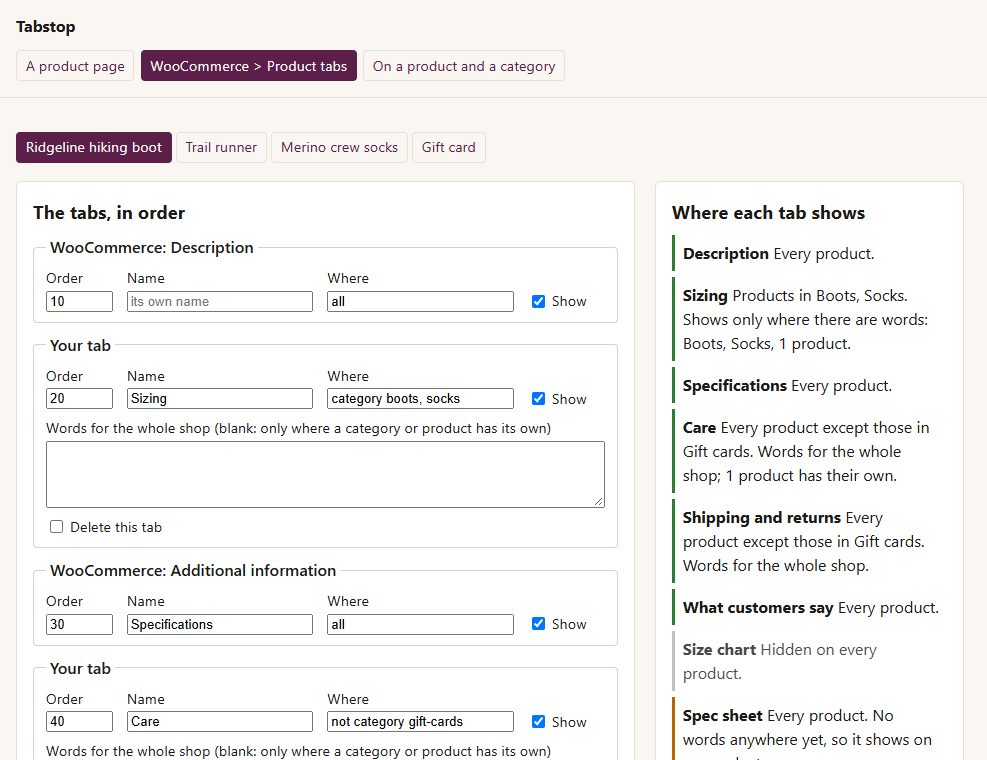
One screen, in order
WooCommerce's own tabs, other plugins' tabs and your own - rename, reorder or hide any of them.
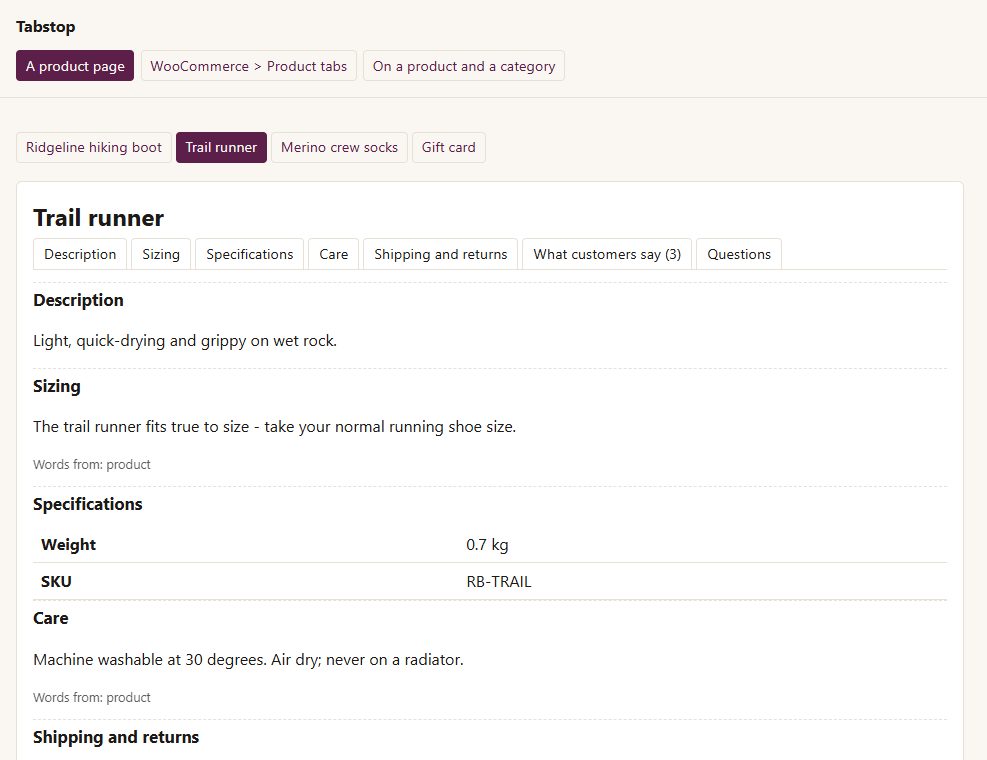
Your own tabs, with the nearest words winning
a product's own words, else its category's, else the shop's. A tab with no words anywhere is not shown - never an empty tab.
Limit any tab to categories
"category boots, socks" or "not category gift-cards".
Fill-ins
{name}, {sku}, {weight} and {dimensions} in your words; {count} in the reviews tab's name.
Per product
its own words for any of your tabs, and a switch to hide any tab on that product.
Per category
words for every product in it, on the category's own screen.
Says where each tab will show, and warns about a misspelt category or a tab with no words anywhere.
Another plugin's new tab stays after your own until you place it.
Before you start
Asked first
What happens to my words if I remove the plugin?
The layout is removed. The words on categories and products are kept, so putting Tabstop back finds them again.
Does it work with block themes?
Tabstop works through WooCommerce's own product tabs, which the classic product page and the Product Details block both draw.
More for the storefront
Addendum
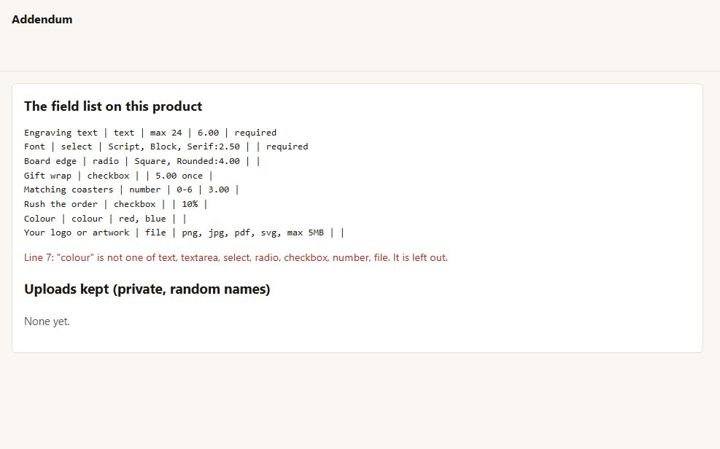
Extra product fields with prices, and a customer artwork upload - checked by what the file really is, kept private.
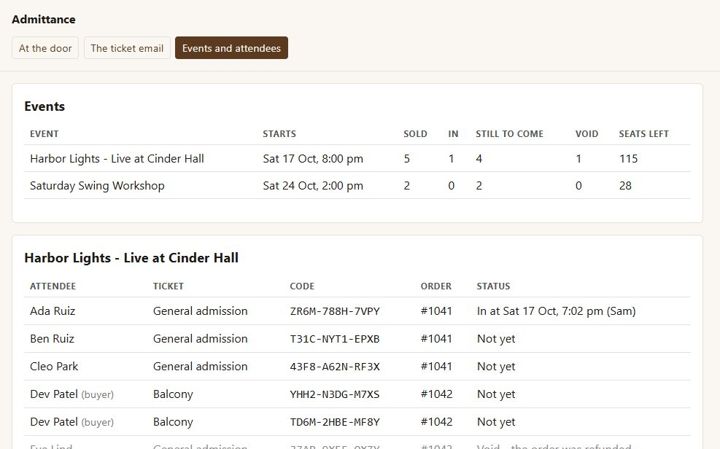
Admittance
Sell event tickets as WooCommerce products, email a named ticket with a QR code per seat, and check people in at the door from a phone.
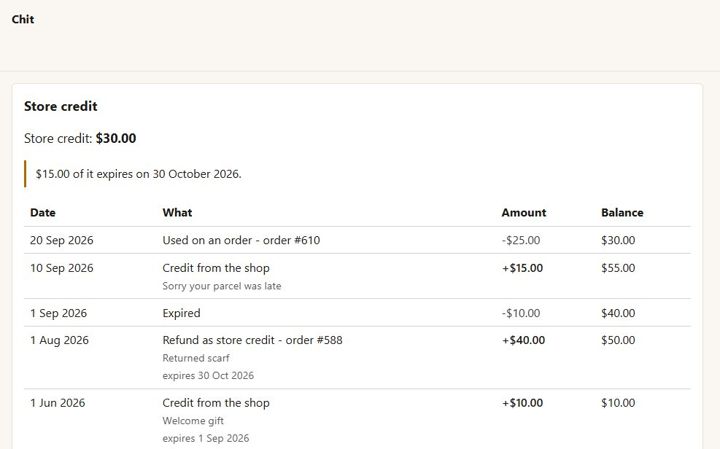
Chit
One store-credit balance per customer - no codes. Refund as credit, give credit with a reason, spend it at checkout.